
On this page
“We can’t read your notes” is a sentence that is easy to write and hard to check. This post says what it means in practice: what happens to a note on your device, what our server is left holding, and the cases where encryption does not help you.
We will be specific about the limits, because a promise with no edges is not worth much.
What happens on your device
Every note, tag, folder and attachment is encrypted on your device, with a key that was generated on your device. That key, the master key, is random. It is not derived from your password, and it is never sent to us in a form we can open.
Each time you save a note, Condei makes a fresh key for that one save, seals the note with it using XChaCha20-Poly1305, and wraps the fresh key under the master key. What leaves your device is the sealed note and the wrapped key. The title, the text, the tags and the folder a note sits in are all inside the sealed part.
Even the relationships between notes are inside it. Which tag a note carries, and which folder it is in, are stored as opaque identifiers within the encrypted payload, so our database has no column from which the structure of your notes could be rebuilt.
Where the key lives
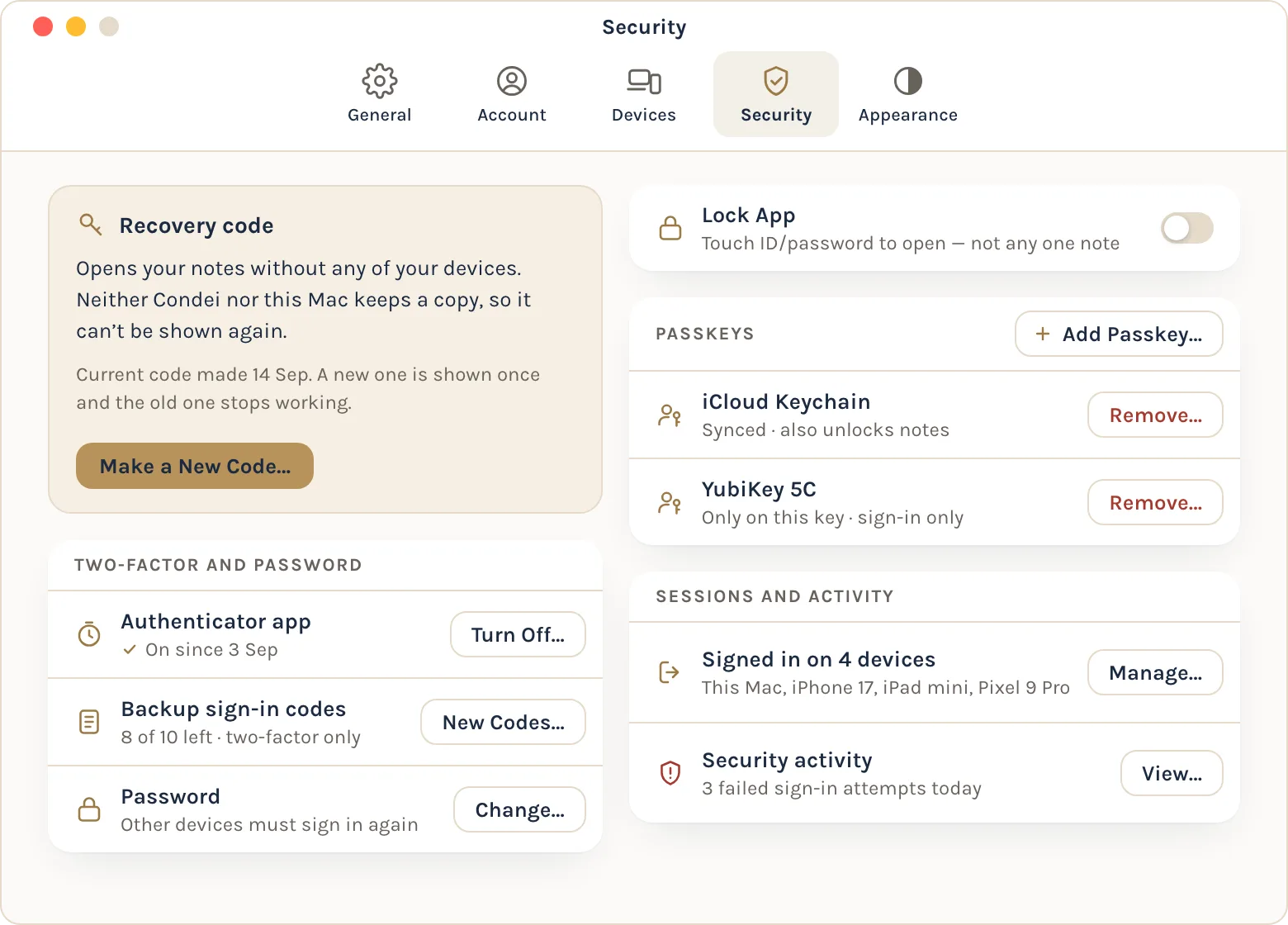
The master key is not stored anywhere as it is. It is stored as a set of wrapped copies, each one openable by exactly one thing you have or know: your account password if you set one, your recovery code, a key held inside your device's secure hardware, or a passkey where your authenticator supports it. Adding a way in adds a wrapped copy. Removing one deletes it.
Our server stores that set of wrapped copies, but it cannot open any of them. That is the whole design: the server is a relay and a store for things it cannot read.
This is also why signing in and unlocking are different things. Signing in proves who you are. It does not produce the key. If Apple or Google were compromised and an attacker obtained a valid sign-in token for your account, they would get encrypted data and the account details listed below, not your notes.
What our server holds, and what it can see
Encryption hides what you write. It does not hide the shape of the container. Our privacy policy lists what we can see, and you can read it in full in section 4 of the privacy policy. In summary:
- that you have an account, and which sign-in method it uses;
- your email address, unless you use Apple's private relay;
- how many notes you have, and roughly how large each one is;
- when you last changed each note;
- which devices are yours, when each was last seen, and approximately where you were at sign-in and sync time, from truncated network addresses;
- which attachments belong to which note.
Sizes are padded before encryption, so we see an approximate length and not an exact one. A very long note is still visibly a long note.
The timestamps deserve a plain word. Over weeks, "when you last changed each note" adds up to a reliable picture of when you are awake, when you work and when you are away. We hold that, and we do not pretend otherwise.
What we do not see: titles, text, tags, folder names or which folder a note is in.
If our server were breached
Three cases follow from that design. An operator who looks at the database sees the metadata above and no note. A stolen database backup yields encrypted notes and wrapped keys. A read-only compromise of the host gives the same, plus live metadata. None of them has a key.
A stolen password is not enough either. Someone who phishes your sign-in password gets a session. To read notes they still need an approval from one of your devices, or your recovery code.
What encryption does not protect you from
A compromised device that is unlocked. While Condei is unlocked, your notes are readable on that device, so malware on it, or someone controlling it, can read them too. No end-to-end design survives that.
A phone in the wrong hands. The key is tied to your device and can be read only while the device itself is unlocked, so a locked or powered-off phone yields encrypted data. That also means the phone's own lock is what stands between a stranger and your notes. If they hold your unlocked phone and the app lock is off, which is the default, they can open Condei and read every note you have not individually locked. The app lock and per-note locking are yours to turn on.
Things you switch on that live outside Condei's encryption. If you turn on Show Notes in Spotlight on an Apple device, the titles and text of your notes sit in that device's own search index, protected by the device's passcode or Mac login and not by Condei's lock. A Home Screen widget can show note titles and short previews without unlocking Condei, unless you turn on Hide note contents.
The person you share with. A shared note is encrypted, and the people you share it with can read it. Removing someone stops their future access. It does not take back what they have already read or copied.
Sharing also has a metadata cost. We can see that a share exists, who is in it and in what role, and how often its members change it. We cannot see what a shared note says, or its name.
A future version of the app. End-to-end encryption is a property of the code running on your device. An app that could be built to leak your keys would defeat it, and no server design can prevent that. This is true of every end-to-end encrypted product, ours included.
A malicious version of our own server. We do not currently detect a server withholding or rolling back your items. We can see that risk and have not yet closed it.
So what is the promise
The promise is narrow and it is checkable. Nobody at Condei can read your notes, because we have never held a key that opens one. There is no database query, admin setting or identity check that produces a readable note. Support cannot recover notes for you either, which is the other side of the same fact.
The promise is not that we know nothing about you. It is that what we know is on a short list, and the list is in section 4 of the privacy policy. If you have a question about it, write to us at the address on the support page.